Date and Time Input Popups
Tags:
In the API V7, it became possible to show date and time request popups (see the article “Date and Time Request Popups”).
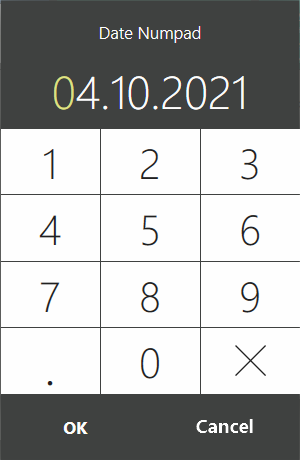
1. Date Input Popup.
The date request popup is shown using the method DateTime? IViewManager.ShowDateNumpadPopup(DateTime selectedDate, string title)
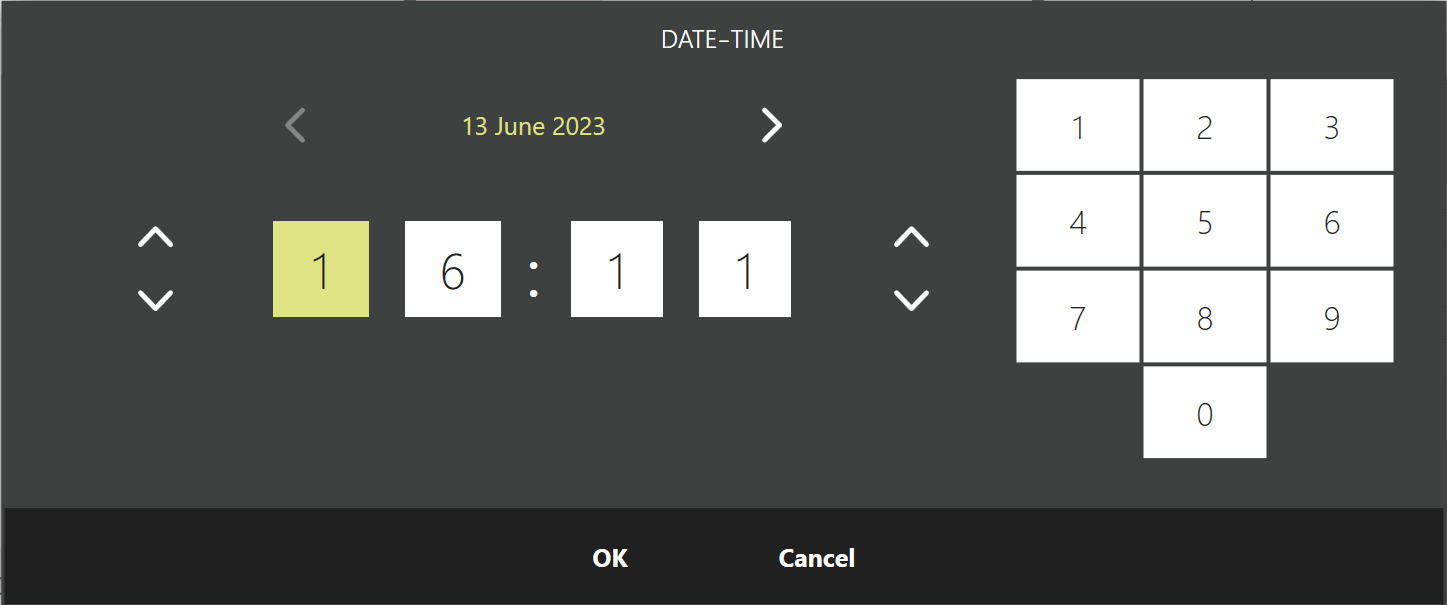
2. Date and Time Input Popup.
The date and time request popup is shown using the method DateTime? IViewManager.ShowDateTimePopup(DateTime selectedDate, string title, DateTime minDate, DateTime maxDate)
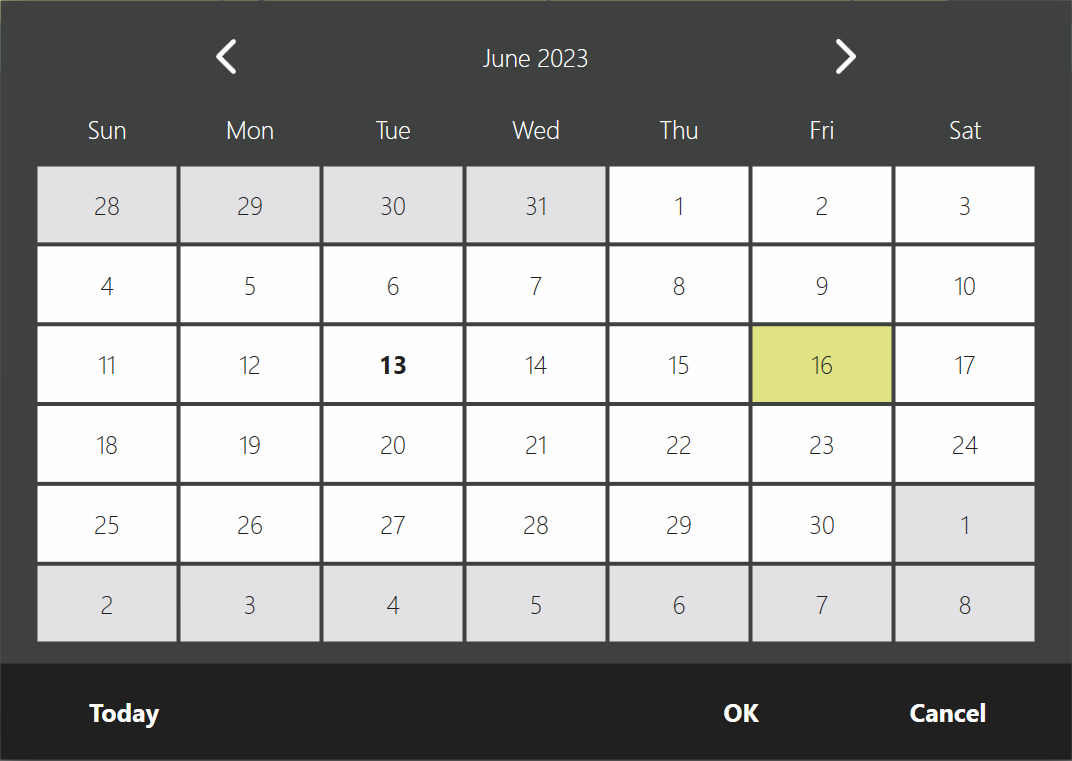
3. Calendar Popup.
You can show the date input window in the form of a calendar. For this, the method DateTime? IViewManager.ShowCalendarPopup(DateTime selectedDate, string title, DateTime minDate, DateTime maxDate) has been added.